Meet a faster starting point for LiveOps: discover a ready-to-customize feature, bring it into your Balancy project, and shape it into something that feels like your game.
Great LiveOps ideas are easy to imagine. Getting every screen, setting, and supporting piece into place takes longer. Today we’re introducing the Balancy Asset Store — a growing collection of features you can explore, add to a project, and make your own. ✨
A starting point that actually works
Asset Store is more than a gallery of inspiration. Open an asset, and you can see what it brings before you add it. Balancy prepares the required content together, so you can spend less time assembling the starting point and more time tuning the experience for your players.
After adding an asset, you can adjust its editable content in your project, preview the result in the Demo App, and deploy when it’s ready. Your game still decides how to present its LiveOps experience — the asset gives your team a head start, not a one-size-fits-all design.
An asset is a starting point for your game. After adding a mini-game, tailor its visuals, event rules, and gameplay to your players, and replace example rewards and currencies with your own items. Want help tracing the connections and making those changes? Connect your AI assistant through Balancy MCP, then test the complete experience before release.
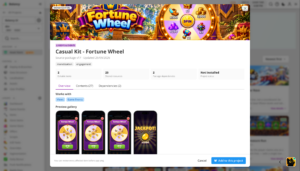
Pick a mechanic, make it yours
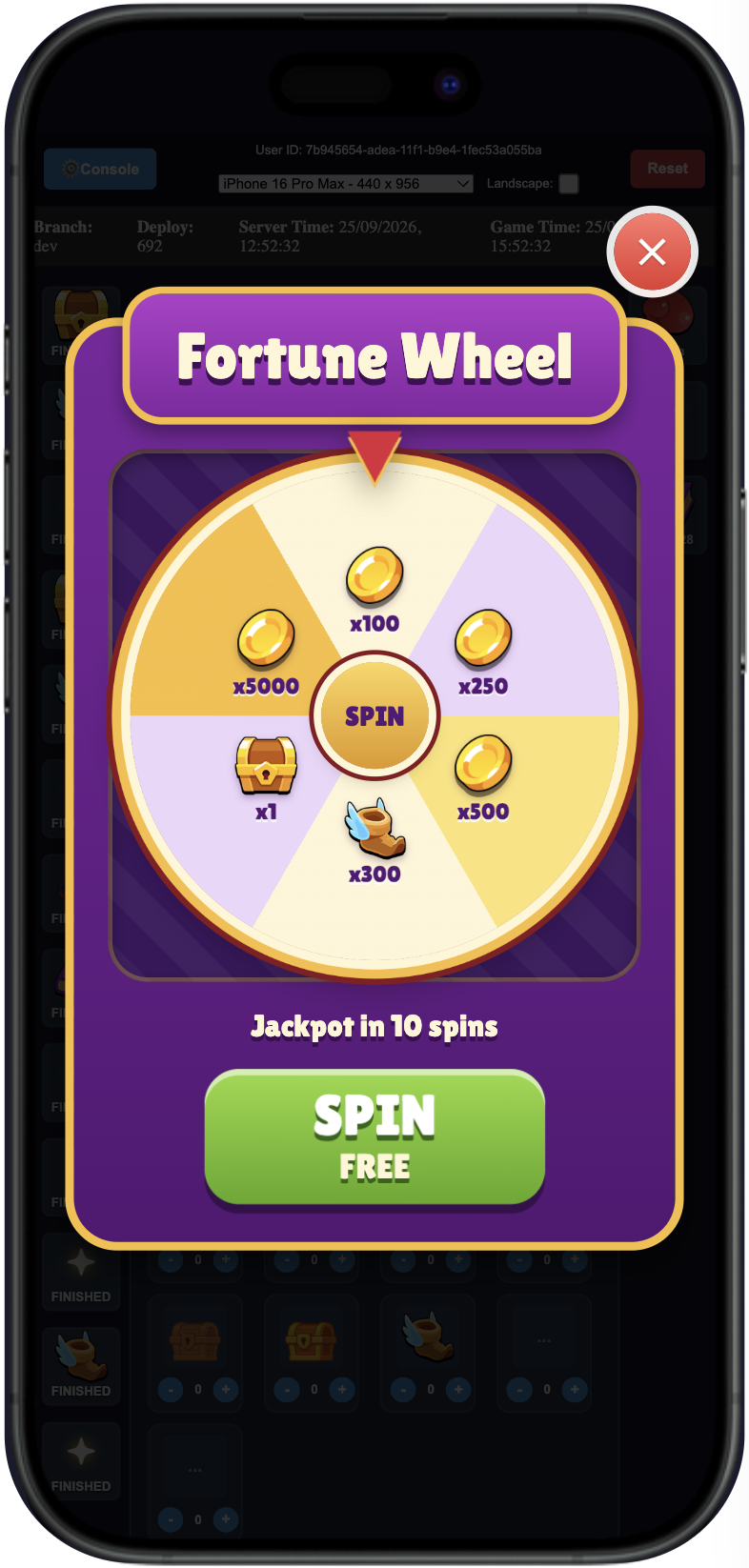
The first collection already shows how many directions this can go:
- Casual Kit – Fortune Wheel gives you a spin-based reward experience to adapt to your economy and event schedule.
- Casual Kit – Lava Quest offers a game event and its View as a starting point for your own challenge.
- Casual Kit – Simple Offer gives you an offer experience you can tailor to your store and audience.
Fortune Wheel is an easy one to try first: add it, find the event and View in your project, set it up for a test, and open it in the Demo App. The wheel shown here is the publisher’s preview; its rewards, prices, and presentation are yours to configure.
For the complete walkthrough, including how to inspect an asset, add it, and test Fortune Wheel, see the Asset Store documentation.
A curated catalog today, a bigger creative community tomorrow
For now, the Balancy team creates and publishes the assets. Customer submissions aren’t open yet. We want a clear review process in place first, so every new addition is useful, dependable, and ready for other teams to build on. Once that process is ready, we’ll open the door for creators to submit their own assets.
And we’re already working on what’s next: assets for web shops and RPG games are coming. We’ll keep this blog active with regular articles about new assets, the teams and ideas behind them, and practical ways to put them to work.
Open Discover → Asset Store in Balancy to explore what’s available now. If you want the step-by-step version, start with the guide — then make the first asset your own.